
TL;DR - Hisense 65U8N: a 2024 65-inch 4K MiniLED with an outstanding 2,851-nit lab peak, 144Hz, Dolby Vision IQ, two HDMI 2.1 ports and Google TV. It launched at $1,499.99 and has sold for roughly $900 to $1,100 since. New stock is thin now that the 2025 U8QG has replaced it.
Updated October 2026: Brightness, input lag and audio now follow lab tests from TechRadar and Reviewed. The old figures were off in both directions: peak brightness is far higher than the 1,500 nits listed before, and input lag is 13 ms, not 6-8 ms. The G-Sync claim was dropped because no source backs it, and prices now reflect that the 65U8N is a 2024 model with a 2025 successor.
Honestly, MiniLED at this price wasn't supposed to exist yet. My take: the U8N punches above its weight on brightness, but its narrow viewing angle, 13 ms input lag and murky sound at high volume are real trade-offs.
Two things decide whether the U8N is worth its price. The first is bloom, and RTINGS' lab testing of the U8N series found very deep blacks and little blooming around subtitles and highlights. The second is brightness: TechRadar's meter read 2,851 nits on a 10% HDR window, a number that few OLEDs get anywhere near.
Hisense 65U8N specs at a glance
| Spec | Value |
|---|---|
| Screen size | 65 inches (also 55", 75", 85") |
| Resolution | 4K UHD (3840x2160) |
| Panel type | MiniLED QLED (ULED) |
| Refresh rate | 144Hz native |
| Peak brightness | 2,851 nits (10% HDR window), 805 nits full-screen (TechRadar) |
| Local dimming zones | 672 (55"), 1,600 (65"), 2,000 (75") per ZTGD |
| HDR formats | Dolby Vision IQ, HDR10+, HDR10, HLG |
| HDMI 2.1 ports | 2 of 4 |
| Gaming | VRR up to 144Hz, AMD FreeSync Premium Pro, ALLM |
| Input lag (Game Mode) | 13.1 ms (Bodnar meter, TechRadar) |
| Smart OS | Google TV |
| Launch price (65") | $1,499.99; street price about $900-1,100 |
What Makes the U8N Worth Considering
MiniLED TVs use thousands of small LED backlights behind the panel instead of one large continuous source. The 65-inch U8N has about 1,600 local dimming zones according to ZTGD's review, meaning different sections of the screen can be independently brightened or dimmed. The result is better HDR contrast than standard LED TVs and dramatically better brightness than OLED, without paying the OLED premium.
I'll be direct: at its roughly $900 to $1,100 street price, the 65U8N goes after MiniLED sets from Samsung, Sony and LG that cost more. TechRadar called it priced below the TCL QM851G with mostly similar features. It doesn't beat the premium brands everywhere. Peak brightness is the clear win, gaming responsiveness is merely good, and whether the trade-offs work depends on your room and use case.
Display Performance: Brightness and HDR
Is nearly 3,000 nits actually useful at home? In a bright living room with sunlight, yes - it's the headline reason to buy this TV.
TechRadar's review measured 2,851 nits on a 10% HDR white window and 805 nits on a full-screen pattern. Reviewed's tests landed in the same range, with highlights above 3,500 nits on an 18% window. Small-window numbers describe a bright highlight such as a sunlit window while the rest of the scene stays dark. The full-screen figure is the one that matters for a snowy ski scene.
Compare this to OLED: in TechRadar's LG C4 test, the panel reached 1,065 nits in a 10% window and 202 nits full-screen. For a living room with windows and afternoon sunlight competing with the screen, the Hisense wins the visibility battle by a wide margin.
Where MiniLED Falls Behind OLED
OLED has per-pixel dimming. Every single pixel can be completely off, giving true black levels. MiniLED has zones, good ones, but still zones. In very high-contrast scenes, you can see slight blooming where a bright element sits against a dark background. A white title card on a completely black screen is the worst case. In normal content, sports, films, TV shows, most viewers won't notice.
The U8N handles this better than cheaper MiniLED TVs with fewer zones. Viewing angle is the other catch. Both TechRadar and Reviewed flag picture fade and extra blooming when you sit off to the side, so a wide sectional sofa is a worse fit than a head-on couch. If you watch a lot of content in a completely dark room and black levels matter to you more than brightness, an OLED is still the better choice.
Gaming: HDMI 2.1, 144Hz, and VRR
Two of the four HDMI ports support HDMI 2.1 bandwidth. That's enough for 4K at 120Hz from a PlayStation 5 or Xbox Series X, and TechRadar lists Variable Refresh Rate up to 144Hz with AMD FreeSync Premium Pro, ALLM and Dolby Vision gaming. A Game Bar menu gives quick access to picture settings in game mode.
Input lag is the soft spot. TechRadar measured 13.1 ms with a Bodnar 4K meter. That is a slight improvement on the 2023 U8K and still under the 15 ms line serious players look for, but higher than the best gaming TVs. Fine for a casual session, not what a ranked shooter player would pick.
The 144Hz panel is a practical differentiator for PC gaming, since many TVs cap at 120Hz. The catch is port count. Only two inputs are fast, and the other two are HDMI 2.0, so a console, a PC and a streaming box need some planning. The Samsung QN85D, by comparison, has four HDMI 2.1 ports according to TechRadar.
Google TV and Smart Features
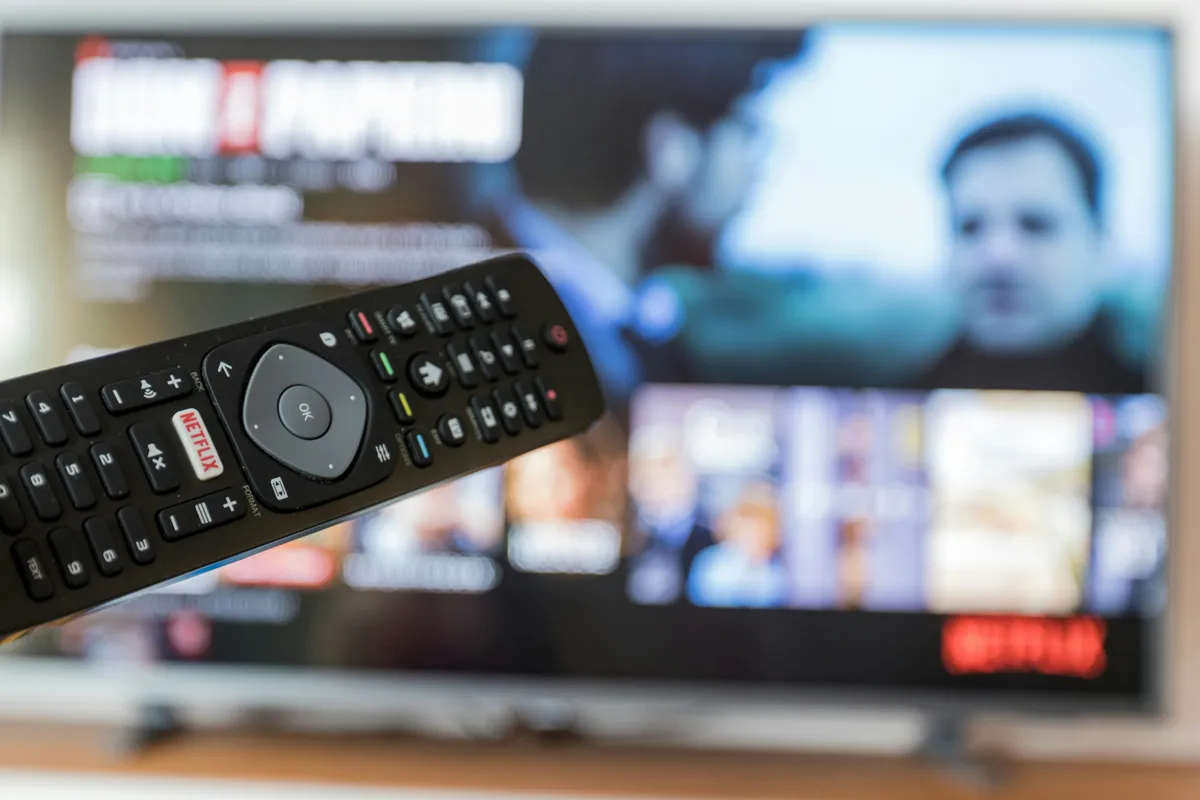
The US model runs Google TV, the same platform used on Sony TVs and Google's own streamers. Chromecast and Apple AirPlay 2 are built in, per TechRadar, and voice control works through the remote's mic or the TV's own microphone for hands-free use. The remote has direct buttons for Netflix, Prime Video, Disney Plus, YouTube and Tubi.
Google TV's home screen shows content recommendations based on what you watch across services, which either helps you discover something new or irritates you with promoted content depending on how you feel about algorithmic suggestions. The built-in ATSC 3.0 tuner is a small bonus if you use an antenna for local channels.
Audio: Better Than Most, Still Not a Soundbar
How good is the audio, really? Better than the usual thin TV speaker, with a ceiling you'll hit at higher volume.
The built-in system is a 50W 2.1.2-channel setup with Dolby Atmos and DTS:X support, plus a rear subwoofer panel and upfiring drivers. TechRadar scored the sound 4.5 out of 5 and said plenty of buyers will be happy without a soundbar. Reviewed was less kind: big bass, but the sound turns murky as volume rises and the chassis can rattle. That matches the usual rule. Fine for TV shows and moderate movie nights, limiting for loud action scenes.
If you do add a soundbar, Reviewed says one of the two HDMI 2.0 ports carries eARC, which leaves both fast HDMI 2.1 inputs free for consoles. Budget for one only if you listen loud.
Who Should Buy the Hisense 65U8N
The U8N works best for:
- Living rooms with significant ambient light, where MiniLED brightness outweighs OLED's black levels
- Gaming setups that want 4K/120Hz and VRR without paying OLED money
- Buyers who want Dolby Vision, HDR10+, and Google TV in one package at about $1,000 or less
It's not the right pick for:
- Dark room cinephiles who prioritize black level over brightness, an OLED C4 or G4 is better for that use case
- Anyone who needs more than two 4K/120Hz HDMI inputs, the Samsung QN85D has four
- Wide seating arrangements, since picture quality fades off-center
Is the 65U8N Still Worth Buying in October 2026?
It depends on stock and price. The 65U8N is a 2024 model. A late-September 2026 search of retailer listings turned up the 2025 successor, the 65U8QG, near $1,000 at Walmart and Best Buy, while Best Buy's page for the older 65U8N no longer offered new units and Amazon's listing showed it unavailable. The lowest Amazon price tracked for the 65U8N was $897.95 in July 2025. Check stock before you plan around it.
If a 65U8N turns up under about $1,000, the lab numbers above still hold. If the 65U8QG costs about the same, buy that one: RTINGS' U8QG review says it replaces the U8N. Retailer listings for 2026 show the U7 and the RGB-backlit UR8 rather than a U8 refresh, so shop by price, not by the "U8" name alone. Prices move weekly, so treat every figure here as a snapshot.
If even the 55-inch is more than you want to spend, don't stretch for it. Mini-LED has reached the bottom of the market, and our budget TVs under $500 picks include sets with local dimming for less than half this money. You give up brightness and zone count, not the technology.
For most living rooms where movies and sports are the primary content and gaming is occasional, the Hisense 65U8N is the answer I'd give to "what MiniLED TV should I buy at this budget?" It's not perfect. But nothing at this price is. If you're still comparing it against OLED and other MiniLED options across all price ranges, our best smart TVs 2025 guide puts every major panel type side by side.